

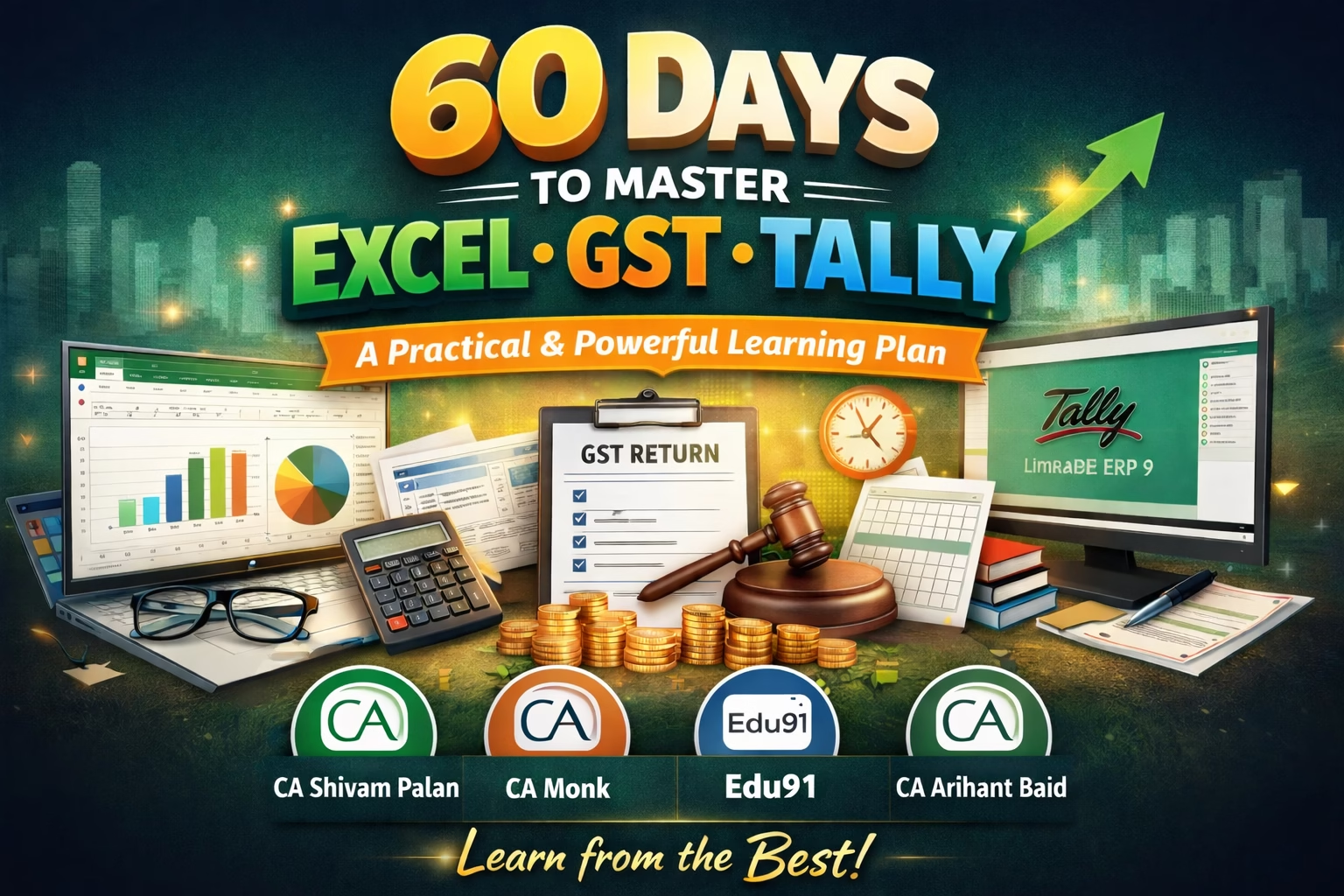
60 Days to Master Excel GST and Tally – A Practical & Powerful Learning Plan
In today’s CA journey, conceptual knowledge alone is not enough. Whether you are a CA Foundation, Inter, Final student, or a semi-qualified CA, practical tools like Excel, GST compliance, and Tally decide how industry-ready you really are.
The good news?
You don’t need years. 60 focused days are enough—if you follow the right structure and learn from the right mentors.
This blog gives you a realistic 60 Days to Master Excel GST and Tally roadmap , trusted YouTube channels, and websites that thousands of CA students already rely on.
60 Days to Master Excel GST and Tally:
Why Excel, GST & Tally Are Non-Negotiable for CA Students
Before jumping into the plan, understand the why:
- Excel → Data analysis, audit working papers, MIS, valuations, dashboards
- GST → Returns, compliance, notices, client handling
- Tally → Accounting entries, GST in Tally, real-world bookkeeping
Big 4, mid-size firms, startups — all expect these skills.
The 60-Day Practical Learning Framework (3 Phases)
PHASE 1: Strong Foundations (Day 1–20)
This phase is about clarity + confidence.
Excel (Day 1–7)
What to learn
- Basic formulas:
SUM,AVERAGE,IF,VLOOKUP,XLOOKUP - Sorting & filtering data
- Conditional formatting
- Basic Pivot Tables
- Practical CA use cases (ledgers, audit sheets)
Best YouTube Channels
- CA Shivam Palan Sir – Excellent for Excel explained from a CA perspective
- CA Monk – Very beginner-friendly, practical approach
- Edu91 – Short, crisp, exam + industry aligned videos
Tip: Practice alongside videos. Watching alone won’t help.
GST Basics (Day 8–14)
What to learn
- GST structure & concepts
- Registration, time & place of supply
- Input Tax Credit (ITC)
- GSTR-1, GSTR-3B overview
Best YouTube Channels
- CA Arihant Baid – Highly practical GST teaching
- CA Monk (GST playlists) – Clear explanation for beginners
- Edu91 GST videos
Recommended Website
- gst.gov.in – Always refer to actual formats & notifications
Tally Basics (Day 15–20)
What to learn
- Company creation
- Ledger & voucher entries
- Purchase, sales, expenses
- Basic GST configuration
Best YouTube Channels
- Edu91 (Tally + GST integration)
- CA Monk Tally series
PHASE 2: Practical Application (Day 21–45)
This is where real skill building starts.
Advanced Excel for CAs (Day 21–30)
Focus areas
- Advanced Pivot Tables
- MIS & dashboard basics
- Audit working papers
- Reconciliation statements
- Using Excel for GST returns
Top Resources
- CA Shivam Palan Sir (Advanced Excel series)
- Edu91 Excel for CA articles
- Practice on real data (dummy client data)
GST Returns & Compliance (Day 31–38)
Hands-on learning
- Filing GSTR-1 & 3B (demo)
- ITC reconciliation
- E-way bill basics
- Notices & replies overview
Best Guides
- CA Arihant Baid – GST compliance videos
- CA Monk – GST return filing walkthroughs
- CBIC portal + GST FAQs
Tally with GST (Day 39–45)
What to master
- GST entries in Tally
- Return reports from Tally
- Reconciliation errors
- Client-level accounting flow
Best Channels
- Edu91
- CA Monk
PHASE 3: Real-World Simulation (Day 46–60)
This phase separates learners from professionals.
Integrated Practice (Excel + GST + Tally)
Do this for 15 days
- Create a dummy client
- Record entries in Tally
- Export data to Excel
- Prepare GST returns
- Make MIS & summaries
Additional Learning Sources
- ICAI BOS Knowledge Portal
- Articleship-based case studies on YouTube
- Edu91 blogs for practical insights
Weekly Time Commitment (Realistic)
60 Days to Master Excel, GST and Tally
- 2–3 hours/day (students)
- 3–4 hours/day (articles / working professionals)
Consistency matters more than speed.
Final Advice for CA Students
60 Days to Master Excel, GST and Tally
- Don’t try to learn everything at once
- Learn → Practice → Apply → Revise
- Stick to trusted educators like
CA Shivam Palan Sir, CA Monk, Edu91, CA Arihant Baid - Avoid jumping between 10 sources — 2–3 are enough
Conclusion
60 Days to Master Excel, GST and Tally
Excel, GST, and Tally are career multipliers for CA students.
If you follow this 60-day practical & powerful learning plan, you won’t just learn tools — you’ll become industry-ready.
👉 Start today. Your future articleship, job, or practice depends on it.
🔗 Join 10,000+ CA Students using our Test Series to study smarter and create your own academic brand. Structured tests with detailed feedback.